

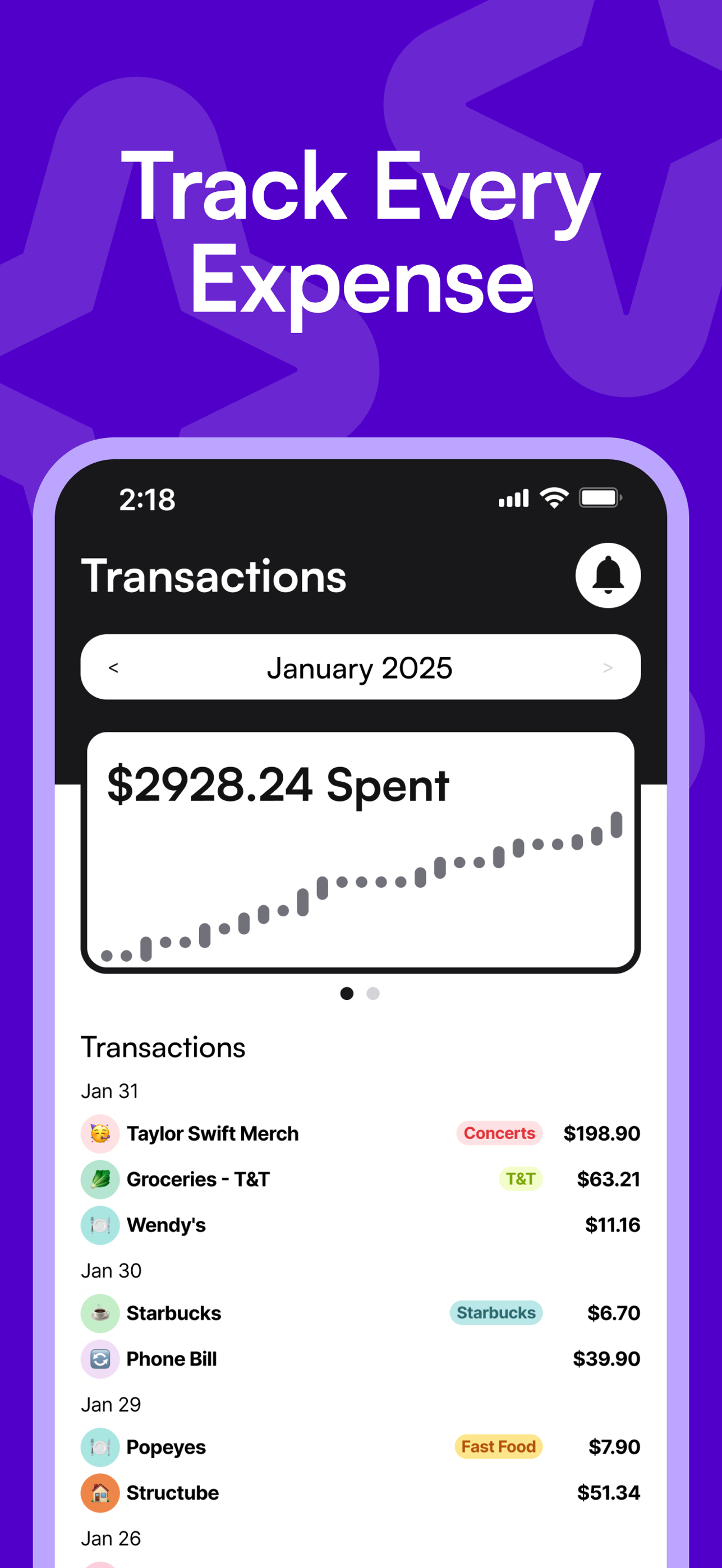
Track Every Expense
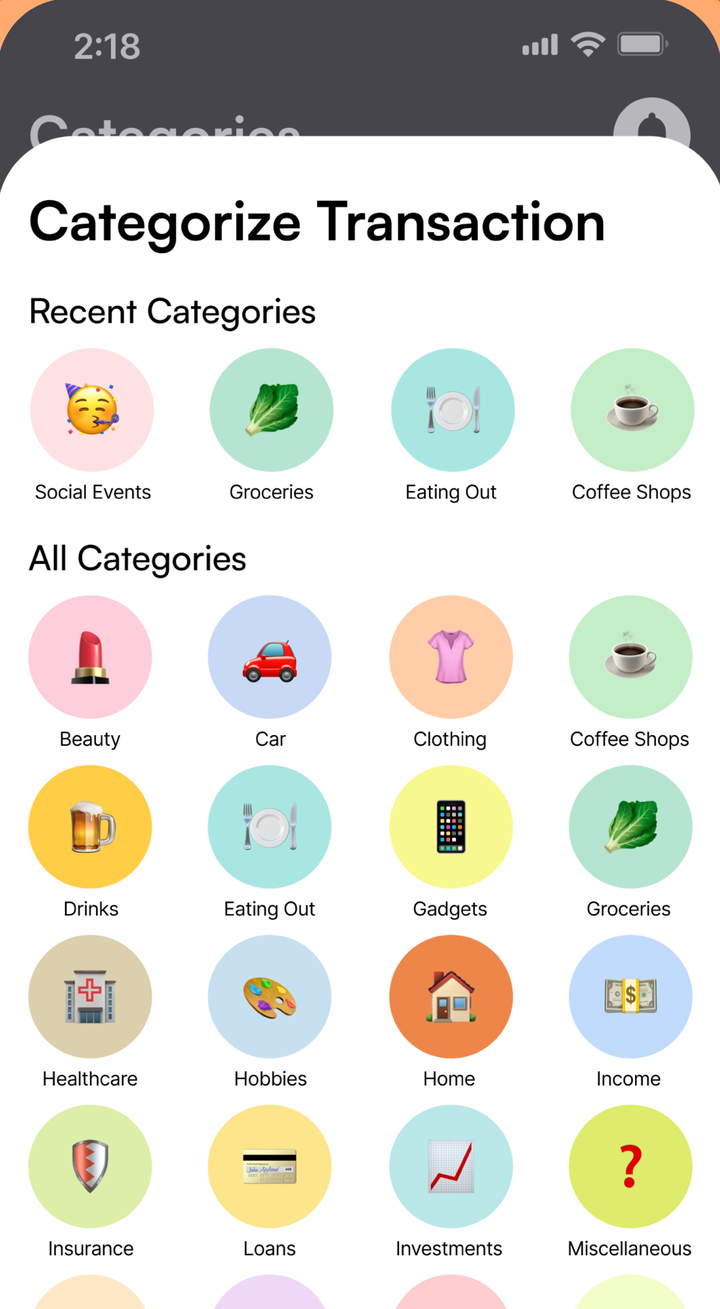
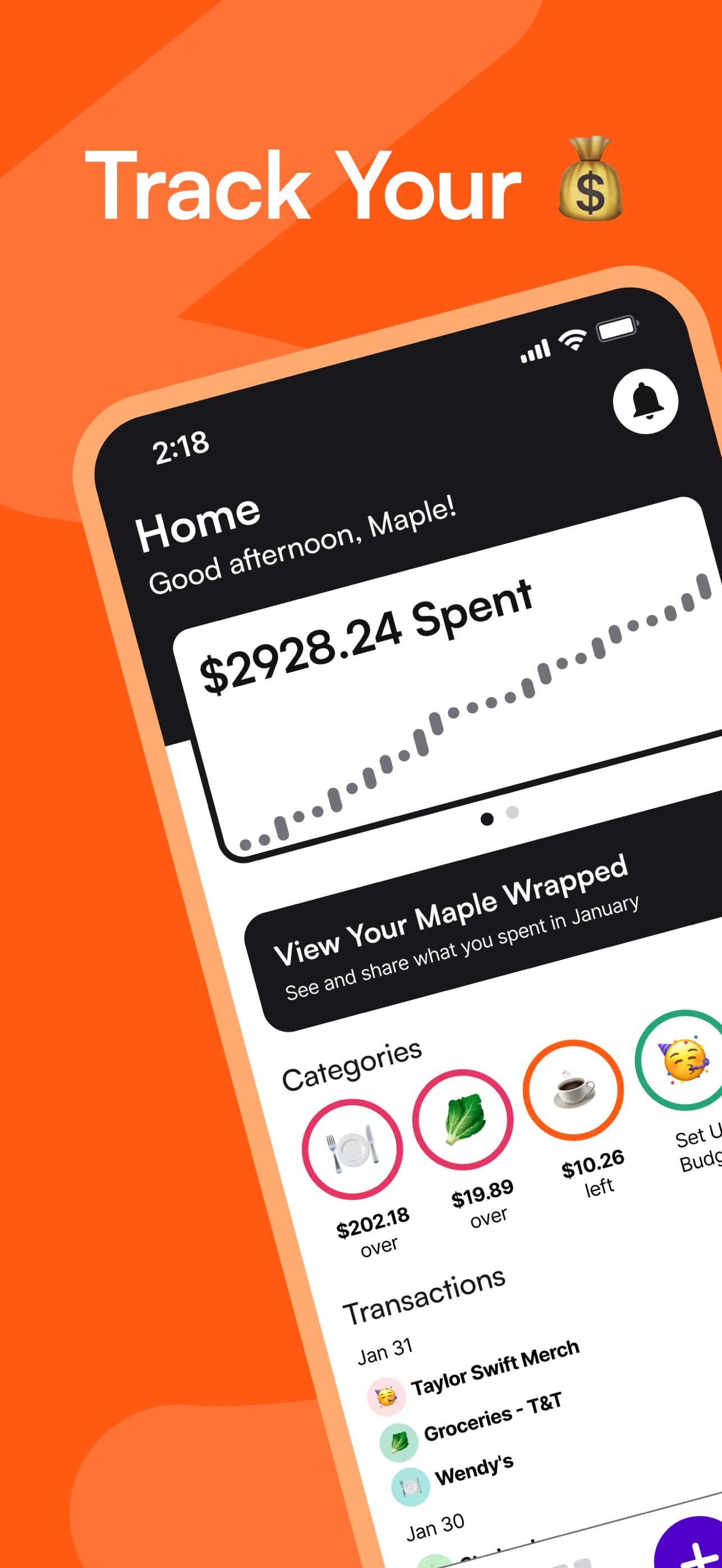
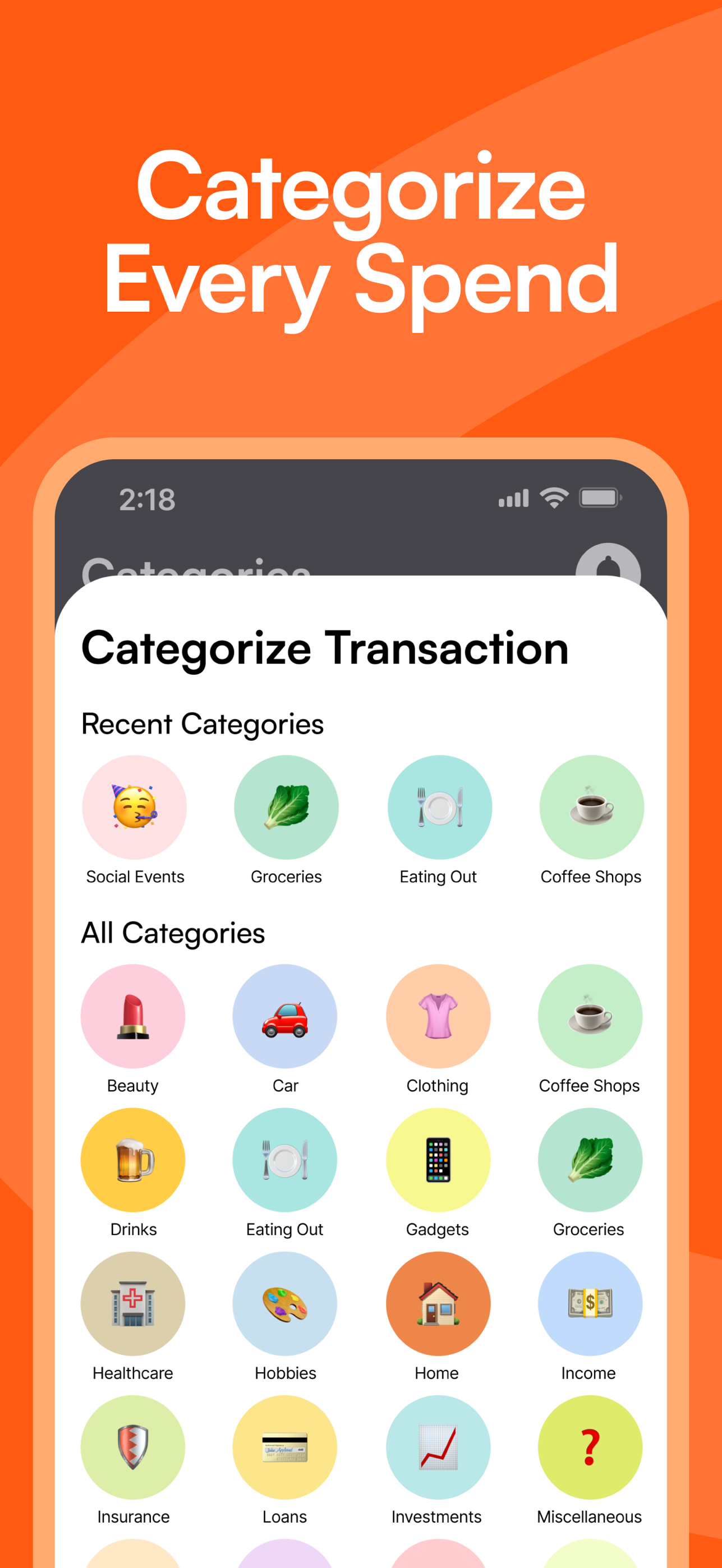
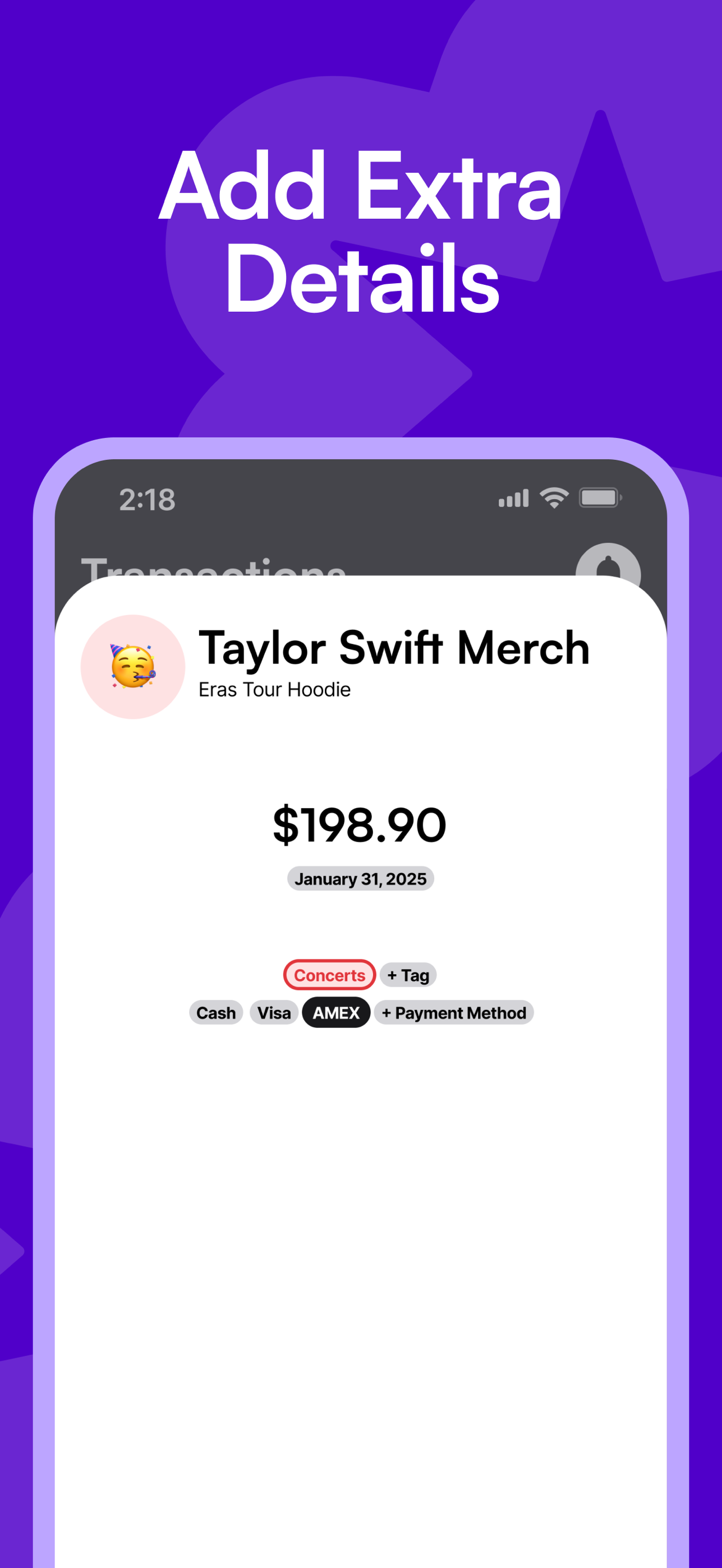
Log a purchase in seconds. Pick a category, add tags and how you paid, and watch the month add up.
🥬Groceries🍽Eating Out☕Coffee Shops🥳Social Events
5 Stars
Track every expense, set budgets that make sense and split costs with friends. Then see your whole net worth with Maple Finance.
01 — Budgeting
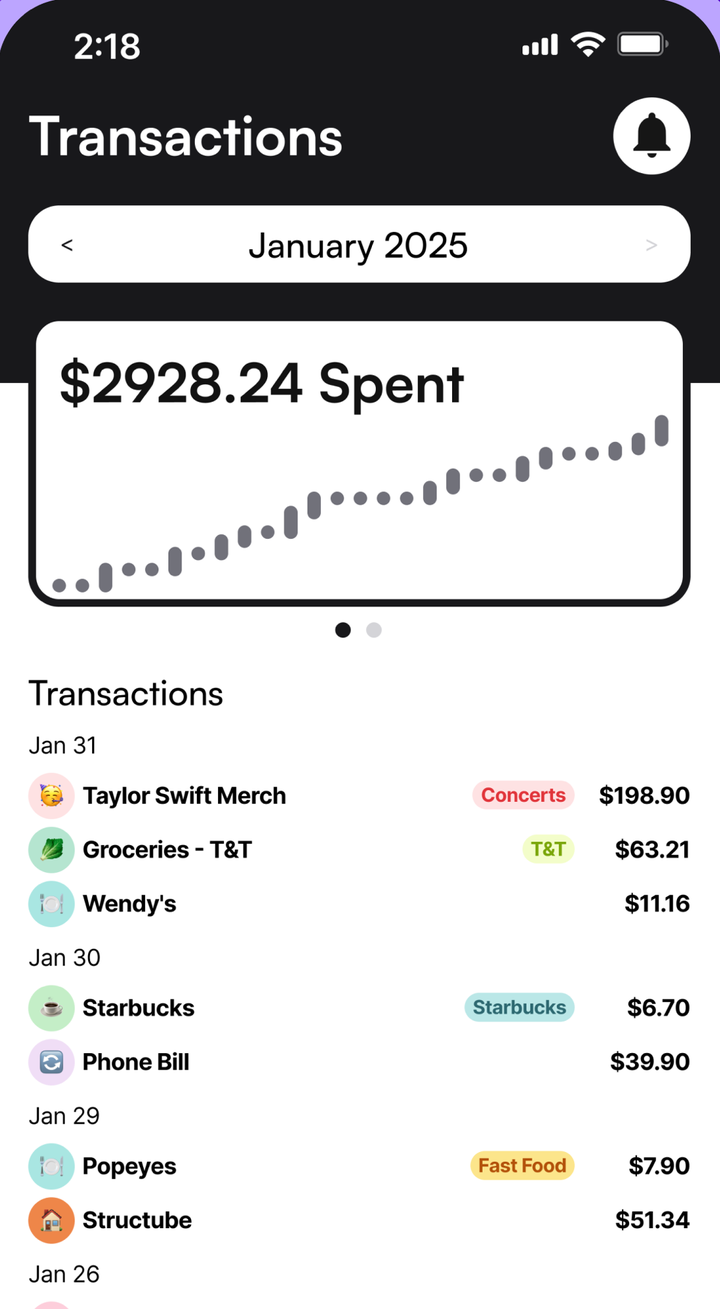
Log it, budget it, split it. Maple Budget keeps the month in view without connecting your bank.
Log a purchase in seconds. Pick a category, add tags and how you paid, and watch the month add up.
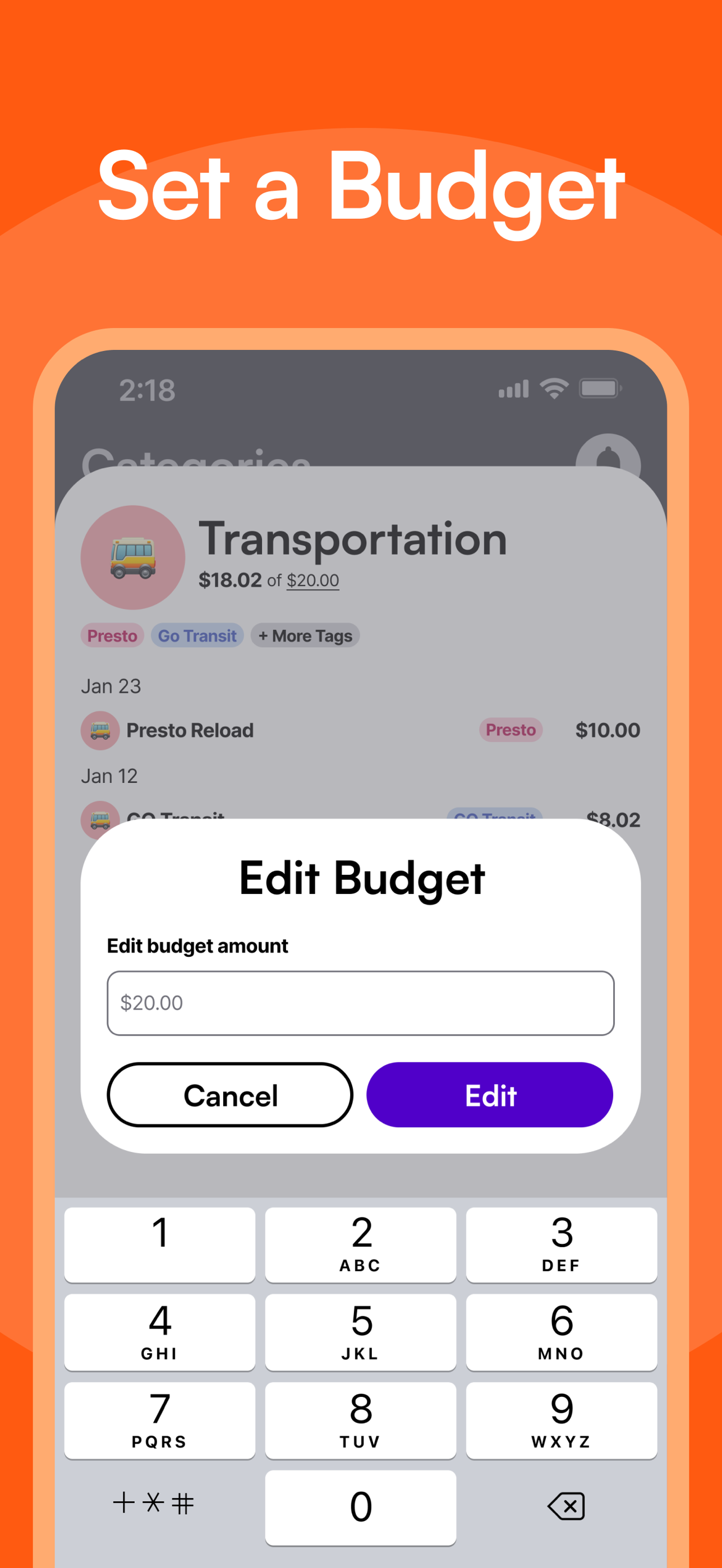
See what's left in each category, not just what's gone.
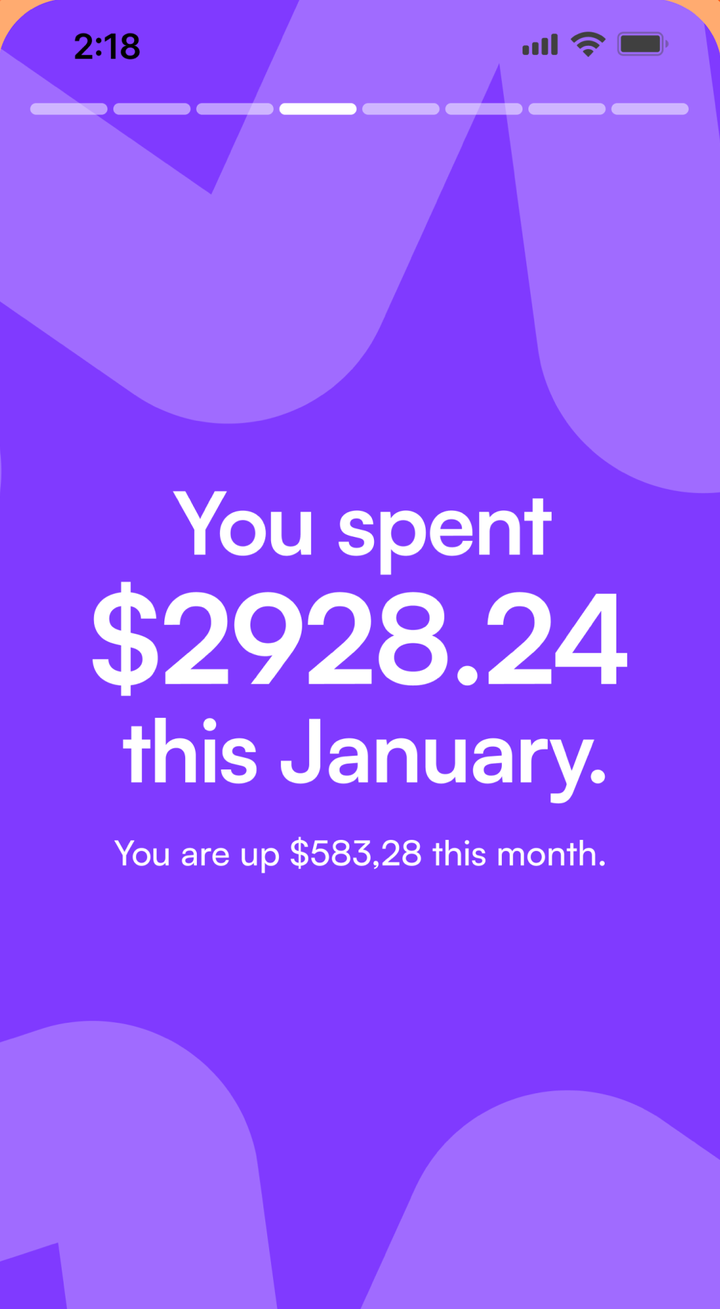
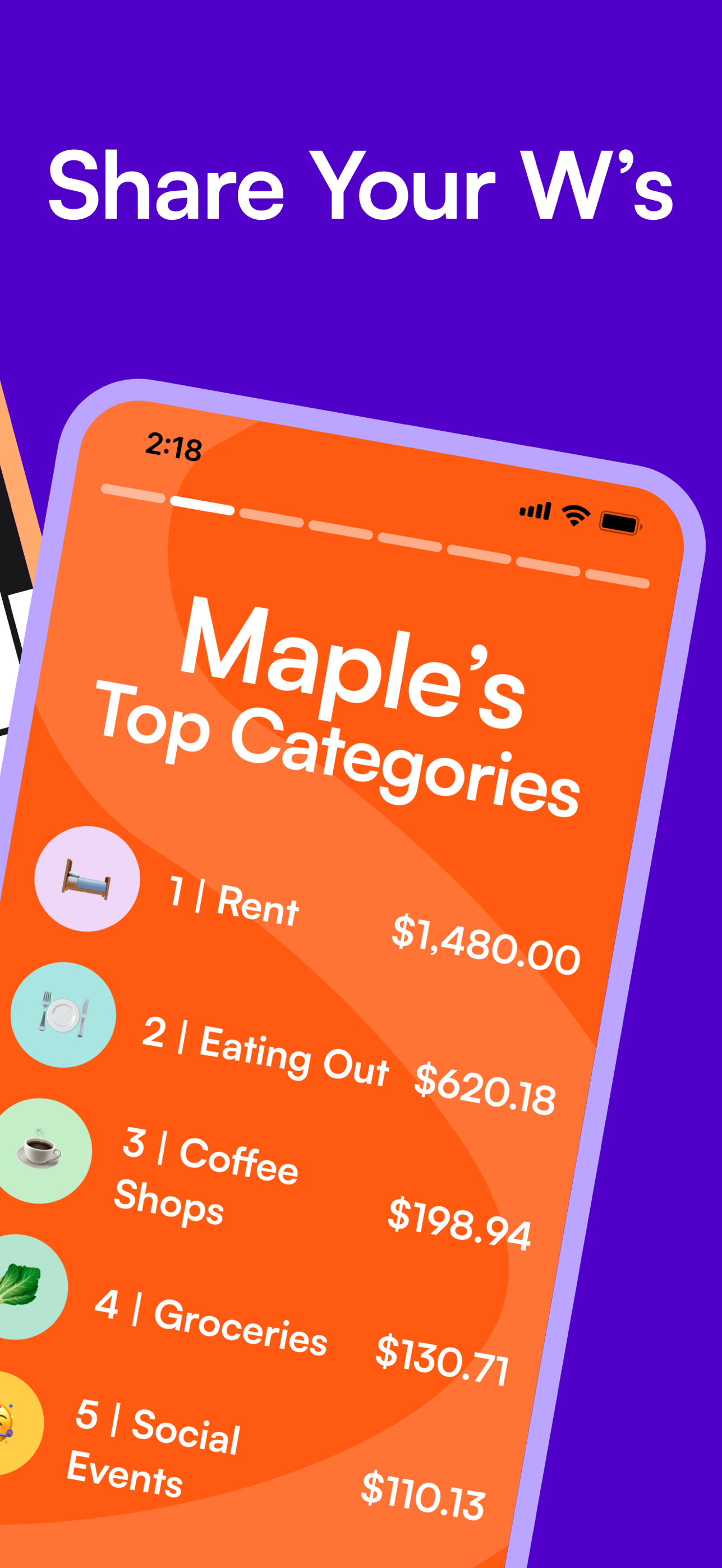
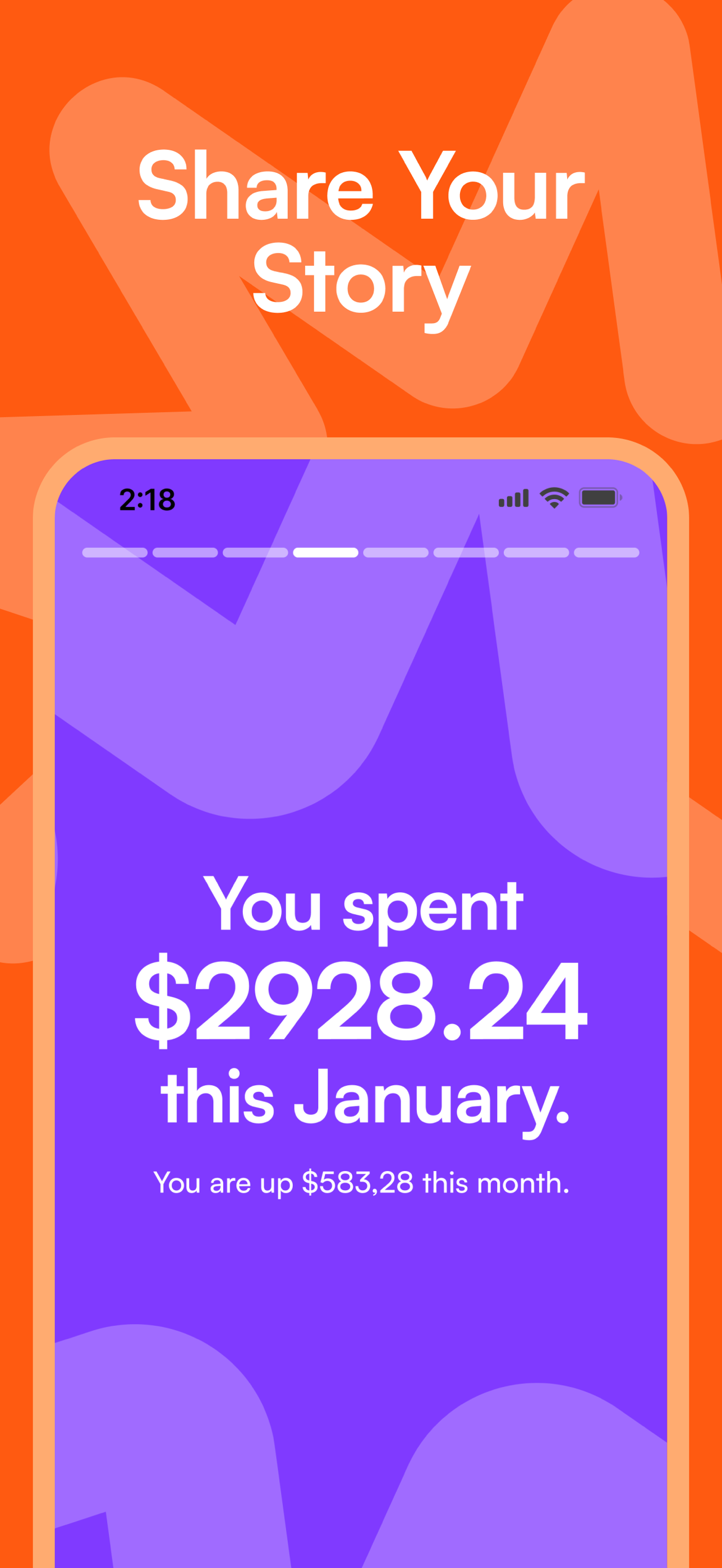
Your month, recapped. Made to be shared.
Split a bill, see who owes what and settle up.
Muskoka Trip
Airbnb · Split 4 Ways

Priya
Paid You

Sam
Owes You
Rent, subscriptions and paycheques add themselves.
Spotify
Monthly · Oct 22
Netflix
Monthly · Oct 28
Rent
Monthly · Nov 1
Paycheque
Bi-Weekly · Oct 24
New On iPhone · Version 1.6.2
Pay with Apple Pay and Maple logs the amount, store, card and category automatically. Paid cash? Tap the back of your iPhone three times.
See How It Works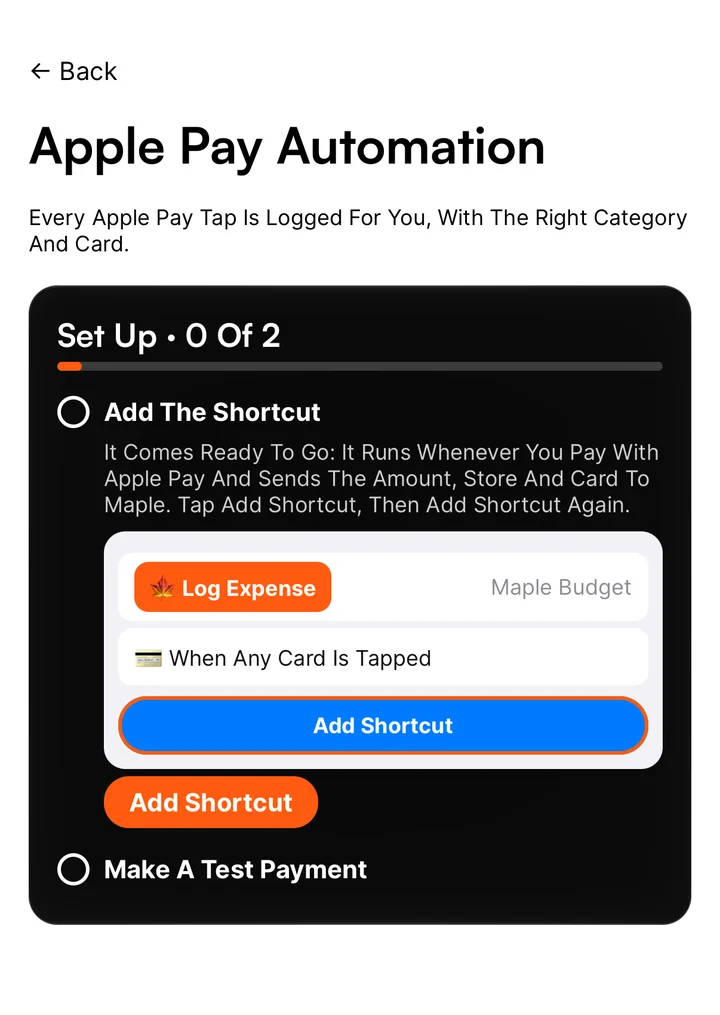
From The App Store
02 — On The Web
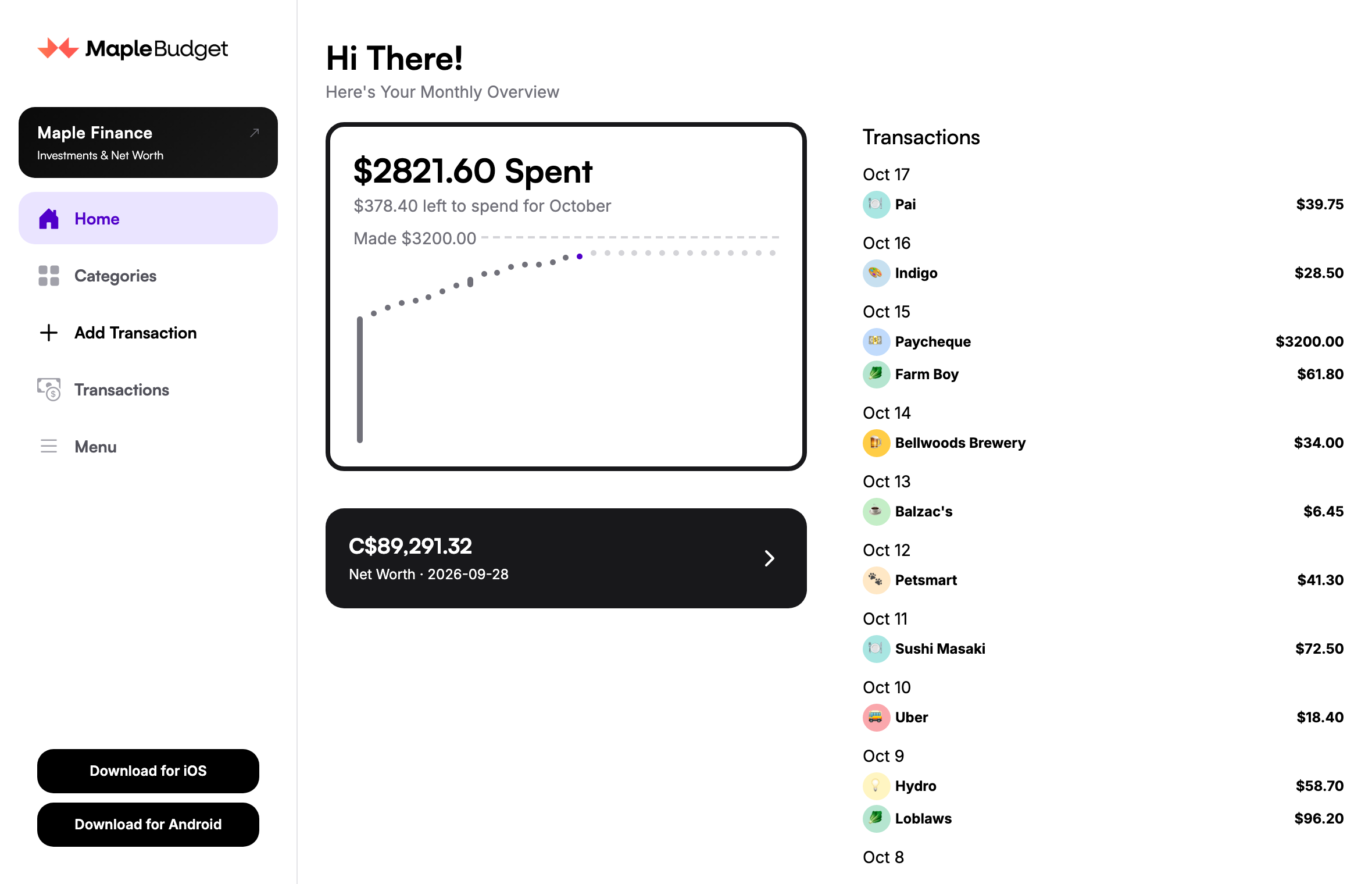
Everything from your phone at app.maplebudget.com. Same account, always in sync. Add transactions from your keyboard, see bigger charts and chat with your budget.
03 — Maple Finance · $4.99 / Month
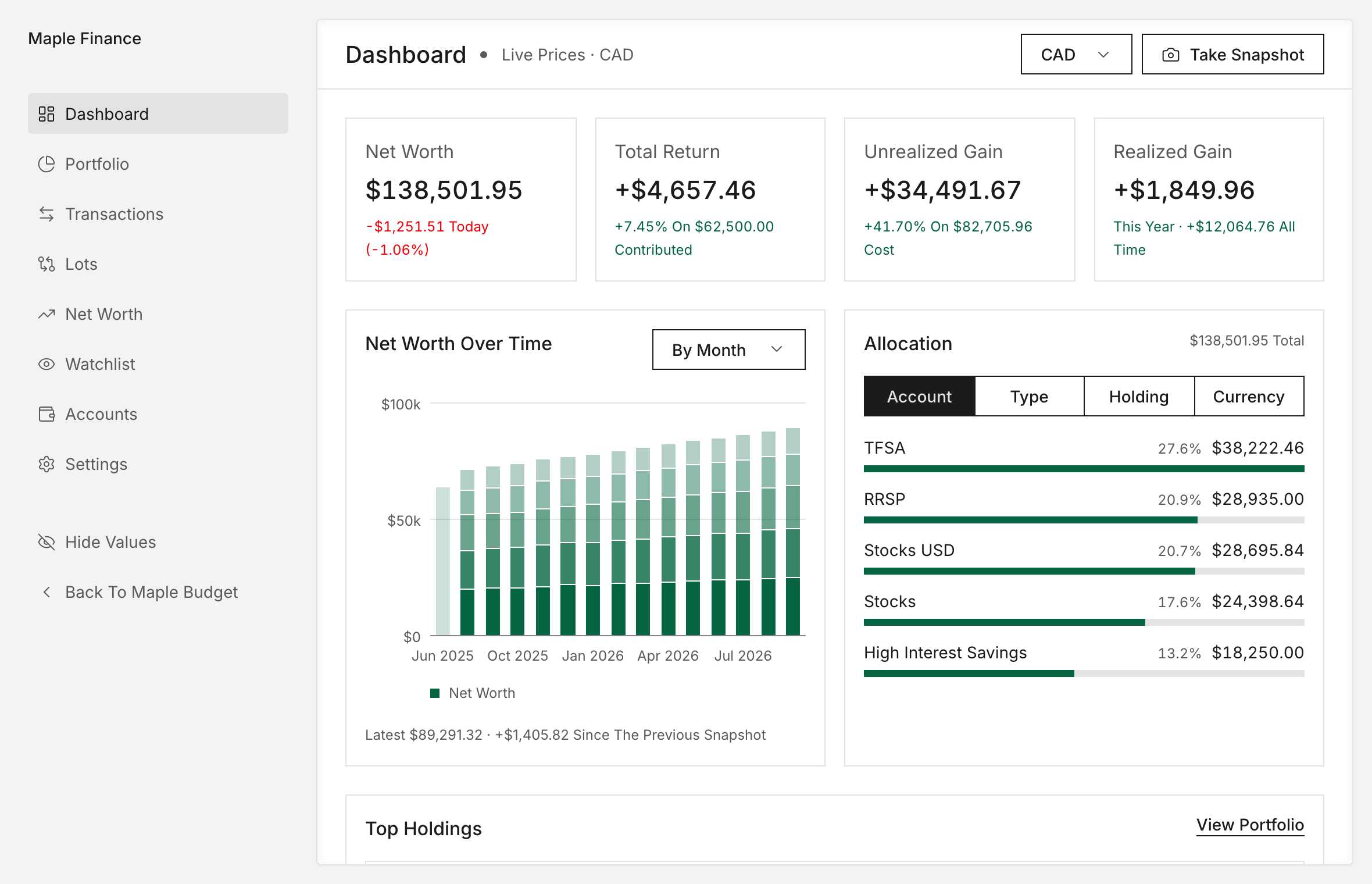
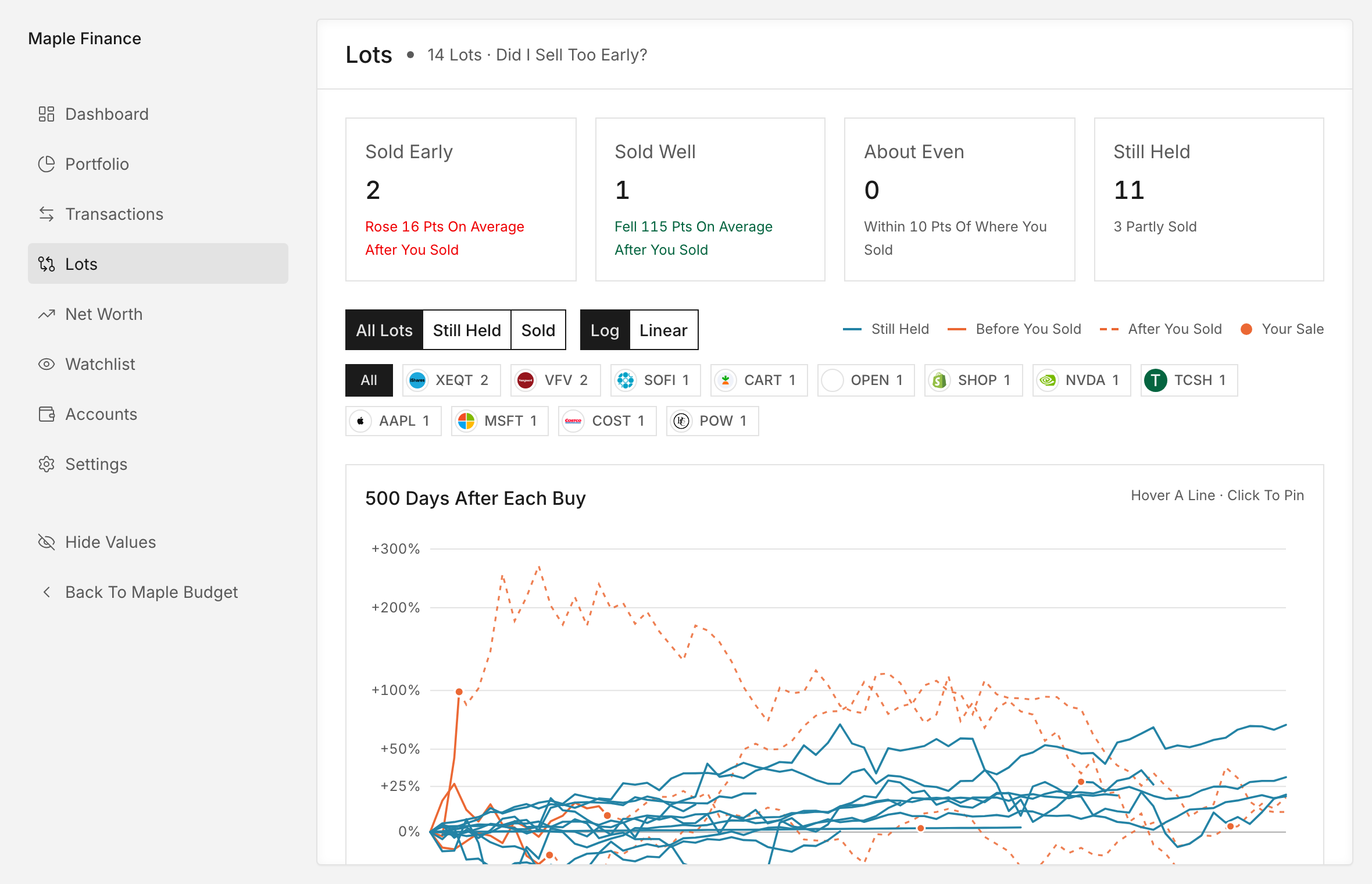
Maple Finance brings your investments next to your budget. Log trades once and Maple works out your holdings, gains and allocation, with live prices.
04 — AI
A chat assistant inside the app that can read and update your budget for you.
Give Claude, ChatGPT and other AI apps 69 Maple Budget tools: transactions, budgets, shared expenses, investments, net worth and live prices. Paste one address and sign in. No download, no API key.
Server Address
https://api.maplebudget.com/mcp05 — Pricing
Free
$4.99 / Month
Prefer spreadsheets? Grab a finance template from the Maple Budget shop.
Yes. Budgeting, shared expenses, recurring transactions and Maple Wrapped are free. Maple Finance, the investing and net worth side, is $4.99 a month.
No. You log what you spend, which keeps you mindful of every purchase. Nothing is pulled from your bank.
Yes. The web app at app.maplebudget.com uses the same account as the iPhone and Android apps, so everything stays in sync.
The Model Context Protocol lets AI assistants like Claude use tools. Connect Claude to Maple Budget by pasting one address and signing in, and it can read your budget, add transactions and check your portfolio. Choose read only so it never changes anything, and disconnect anytime.
Maple Budget is made in Toronto. Maple Finance understands TFSAs, RRSPs and FHSAs and works in CAD, USD or GBP. Budgeting works anywhere.
If you subscribed in the iPhone or Android app, manage it in your App Store or Google Play subscriptions. For web subscriptions, email [email protected]. Your budgeting stays free either way.

Download Maple Budget, or jump straight into the web app.