

Help
How to use Maple Budget on iPhone, Android and the web. Each guide gives the exact buttons to tap, iPhone first.
Paste it into ChatGPT or Claude to ask questions about it.
Budgeting
Log what you spend, set a budget for each category and keep your account the way you like it.
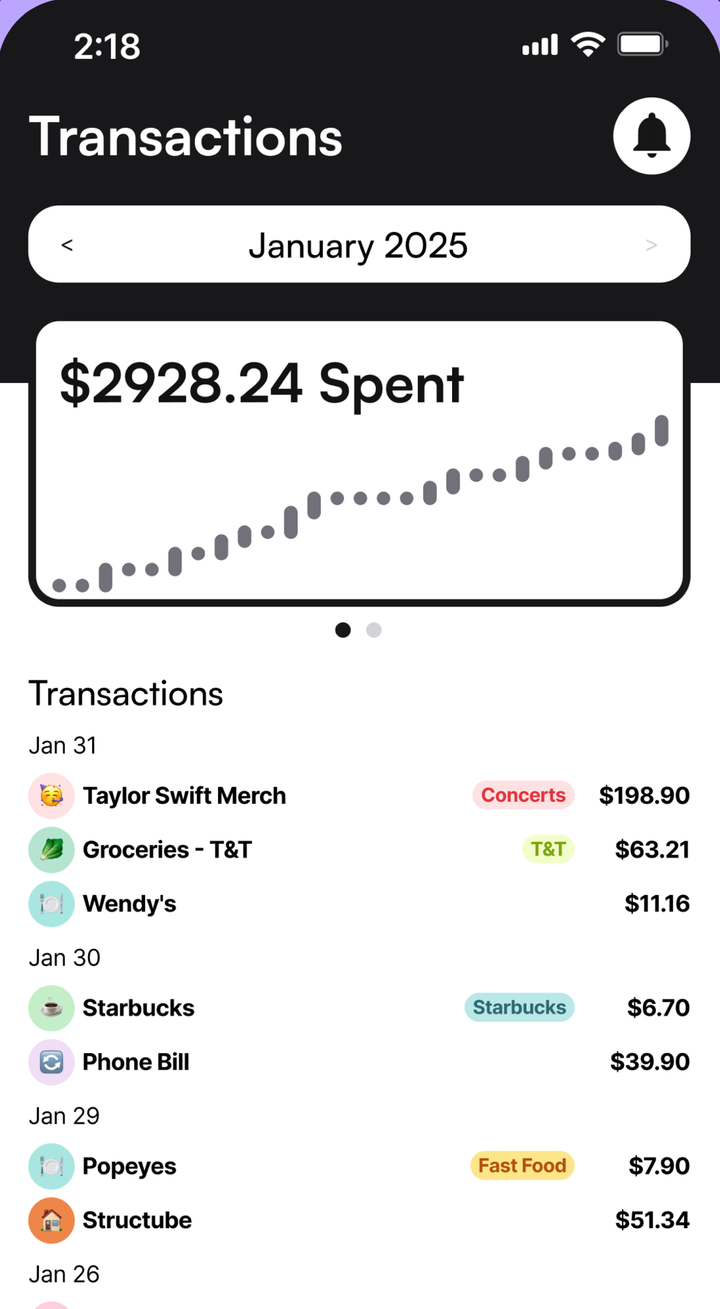
- Add A TransactionLog a purchase or a paycheque in Maple Budget in a few taps. Pick a category, type the amount, add tags or a payment method, and save.
- Set A Monthly Budget For Each CategoryGive each Maple Budget category its own monthly budget, then see what's left at a glance. Bars turn orange past 80% and red once you go over.
- Add And Use TagsTags split a category into the details you care about, like Costco inside Groceries. Create a tag, add it to transactions and filter by it.
- Add Payment Methods And Filter By ThemAdd your cards and cash as payment methods in Maple Budget, pick one on each transaction, then filter Transactions to see what each card spent.
- See Your Maple WrappedMaple Wrapped is a free monthly recap of your spending: your total, top categories and biggest purchases. Open it from Home and share any page.
- Change Your CurrencyHow currencies work in Maple Budget. Your budget shows amounts in dollars, and Maple Finance can show your totals in CAD, USD, GBP or EUR.
- Export Your Data Or Delete Your AccountWhat you can export from Maple Budget today, how to delete your account in the iPhone or Android app, and how to ask Maple to erase your data.
Automation
Let rent, subscriptions, paycheques and Apple Pay purchases log themselves.
- Set Up Recurring TransactionsMake rent, subscriptions and paycheques add themselves in Maple Budget. Pick daily, weekly, bi-weekly or monthly, and when the series ends.
- Log Apple Pay Purchases AutomaticallySet up Maple Budget's iPhone Shortcut once and every Apple Pay purchase logs itself with the amount, store, card and category. Free, no bank needed.
- Import A Bank Statement (CSV Or PDF)Bring a month of spending into Maple Budget from a CSV or PDF statement. Maple skips what you already logged, and you review it all before import.
Maple Pro
Connect your bank or card so your spending comes in on its own.
Maple Finance
Track your investments, net worth and registered account room.
- Add An Investment Account And HoldingsAdd your TFSA, RRSP, FHSA or other accounts to Maple Finance, then add holdings or log buys and sells. Maple works out your gains with live prices.
- Track Your Net Worth With SnapshotsA net worth snapshot saves what every Maple Finance account is worth today. Take one each month, or add past ones, to see your net worth grow.
- Track Your TFSA, RRSP And FHSA RoomSave your TFSA, RRSP and FHSA contribution room in Maple Finance. On the web, log contributions and see how much room is left before you go over.
- Set Your Share Of A Joint AccountOwn an account with a partner? Set Your Share in Maple Finance so your net worth and returns count only your part. Plus how to archive an old account.
AI
Ask Maple about your money, in the app or from ChatGPT and Claude.
- Ask Maple, The Built-In AI AssistantAsk Maple about your spending, budgets and investments in plain words, or have it log a purchase for you. Built into Maple Budget on phone and web.
- Use Maple In ChatGPT And ClaudeConnect Maple Budget to ChatGPT or Claude in about a minute. Ask about your spending or log a purchase without opening Maple. Read only if you like.
No guide matches that. Email [email protected] and we'll help.
Can't Find It?
Email [email protected]and a real person will help. You can also send feedback from Menu in the app.