

See Your Maple Wrapped
Maple Wrapped is a free monthly recap of your spending: your total, top categories and biggest purchases. Open it from Home and share any page.
Paste it into ChatGPT or Claude to ask questions about it.
Updated View As Markdown
Maple Wrapped turns last month’s spending into a short story you tap through, like the year-end recaps from music apps. It’s free, it’s ready every month, and each page is made to share.
Before You Start
- Wrapped is in the iPhone and Android apps.
- It recaps the last full month, so log your spending as you go.
On iPhone
1. Find The Maple Wrapped Card On Home
Open Home. The Maple Wrapped card sits under your monthly overview.
2. Tap Through The Pages
Tap the right side of the screen to go forward and the left side to go back. Tap × to close. The pages show:
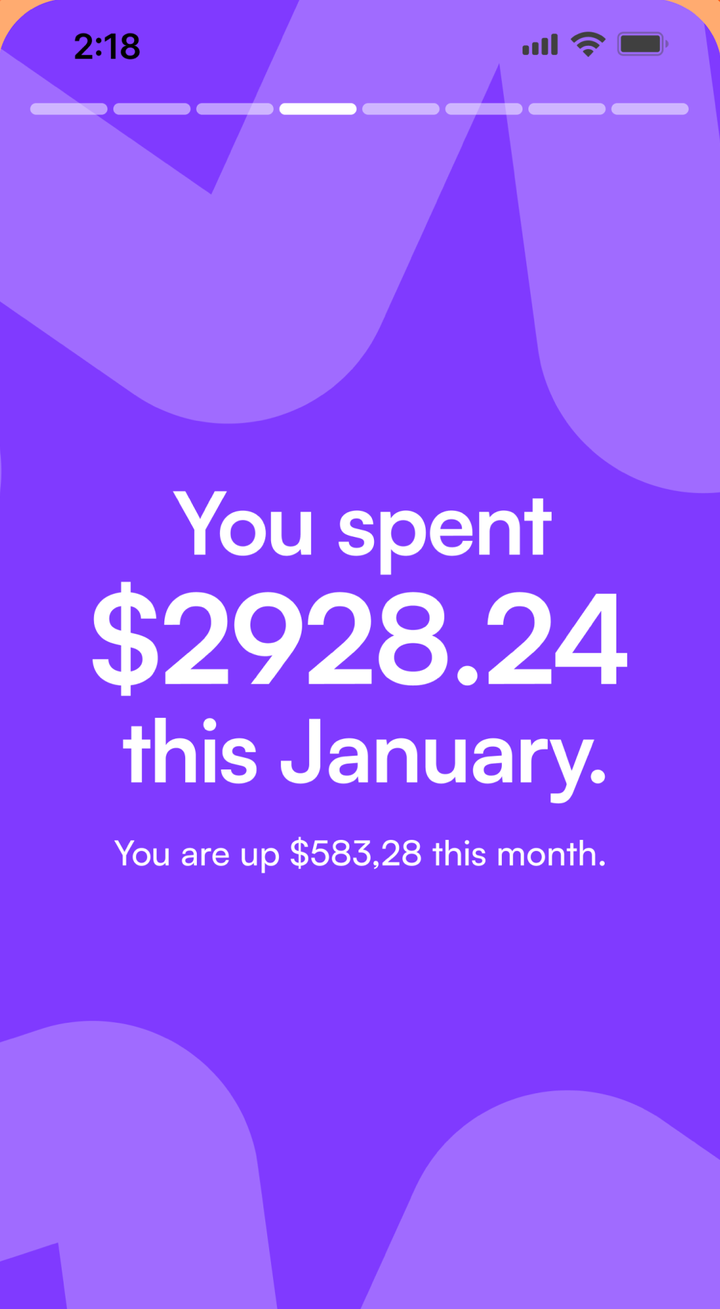
- Your total spending, and how much more or less it is than last month.
- Your top category and what you spent there.
- Your Top Categories, your five biggest.
- A purchase that stood out from the rest.
- Your Top Transactions, your five biggest purchases.
- A receipt-style summary of the whole month.
One early page asks if you’d like to leave a tip for Maple. It’s optional. Tap Not Now to keep going.
3. Share A Page
Most pages have a Share button. It turns that page into an image and opens the share sheet, so you can post it or send it to a friend.
4. Get Told When It’s Ready
To hear when a new Wrapped is ready, open Menu, then Notifications, and turn on Maple Wrapped Notifications.
On Android
The steps are the same as on iPhone. Share opens the Android share sheet.
On The Web
Maple Wrapped isn’t on the web. Open it in the iPhone or Android app. Your transactions sync, so purchases you log on the web still show up in your Wrapped.
Tips
- Wrapped is only as good as what you log. The Apple Pay shortcut and bank connections help you catch everything.
- Pair Wrapped with category budgets to see if last month went to plan.
Common Questions
When Is My Maple Wrapped Ready?
Wrapped always covers the last full calendar month. In December, you see November. Turn on Maple Wrapped notifications to hear when a new one is ready.
Why Doesn't My Wrapped Open?
Wrapped needs spending in at least one category last month. If you didn't log anything, there's nothing to recap yet.
Is There A Yearly Wrapped?
Not right now. Maple Wrapped is monthly.
Can I See Wrapped On The Web?
No. Maple Wrapped is in the iPhone and Android apps.
Try It In Maple Budget
Budgeting is free on iPhone, Android and the web. One account works everywhere.